
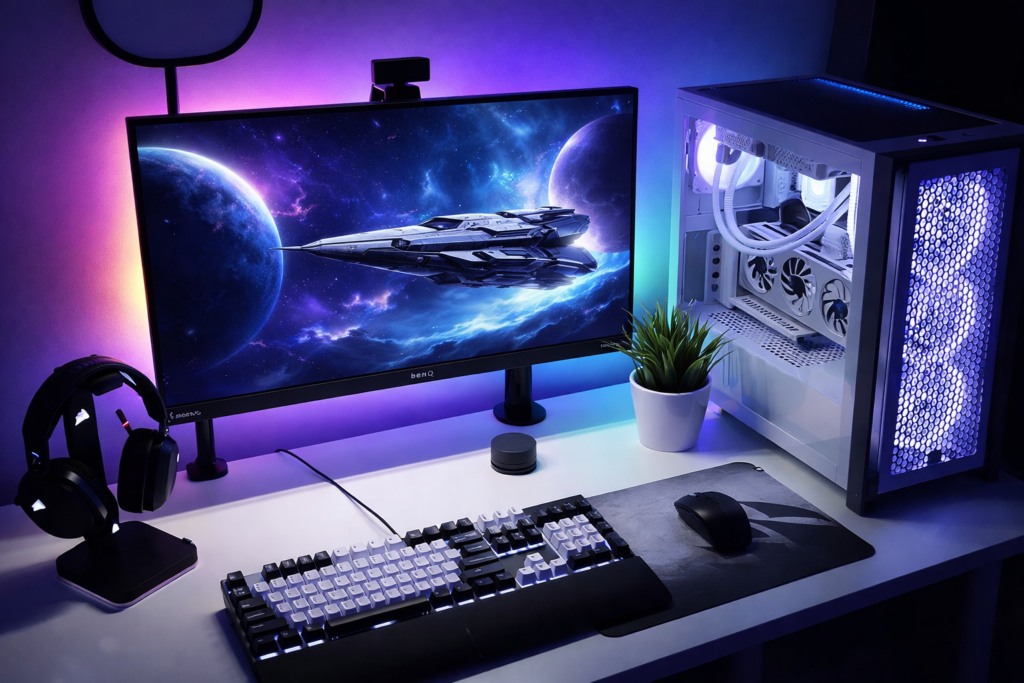
Gaming doesn’t have to be expensive to feel premium. If you already own a PC, PS5, Xbox, or even a budget gaming rig, ₹20,000 is more than enough to build a clean, powerful, and aesthetic desk setup that actually improves your experience.
In this guide, we’re building a complete gaming desk ecosystem — including a high-refresh-rate monitor, mechanical keyboard, precision gaming mouse, immersive headset, and essential accessories — all carefully balanced to stay under budget. No unnecessary overspending. No flashy gimmicks. Just smart product choices that give you maximum performance per rupee.
Whether you’re a student upgrading your study desk into a gaming station or a casual gamer wanting a cleaner RGB setup, this build focuses on performance first and looks second — the right way to build on a budget.
We’re skipping the CPU build details here and sticking to monitors and peripherals only.
This post may contain affiliate links. I may earn a small commission at no extra cost to you. Please read our Affiliate Disclaimer for more details.
Let’s set it up properly. 🎮💻
Insert this right after the first paragraph:
🎯 Who Is This Setup For?
✔ Students upgrading their study desk
✔ First-time PC gamers
✔ PS5 / Xbox users wanting a smoother display
✔ Budget-conscious creators
✔ Anyone building a clean aesthetic gaming corner
Pinterest LOVES scannable bullet intent.
🖥 Monitor (Main Display)
For budget builds, prioritize 144Hz–180Hz refresh rate over higher resolution. Smooth gameplay > extra pixels at this price range.
BenQ MOBIUZ EX251 – A solid 24.5″ 1080p gaming monitor with high refresh rate — ideal for esports and casual gaming without overspending. (12,999 Rs)
Alternative: MSI MAG 255F E20 25″ Gaming Monitor – Slightly larger display with excellent clarity and fast refresh. (9,500 Rs)
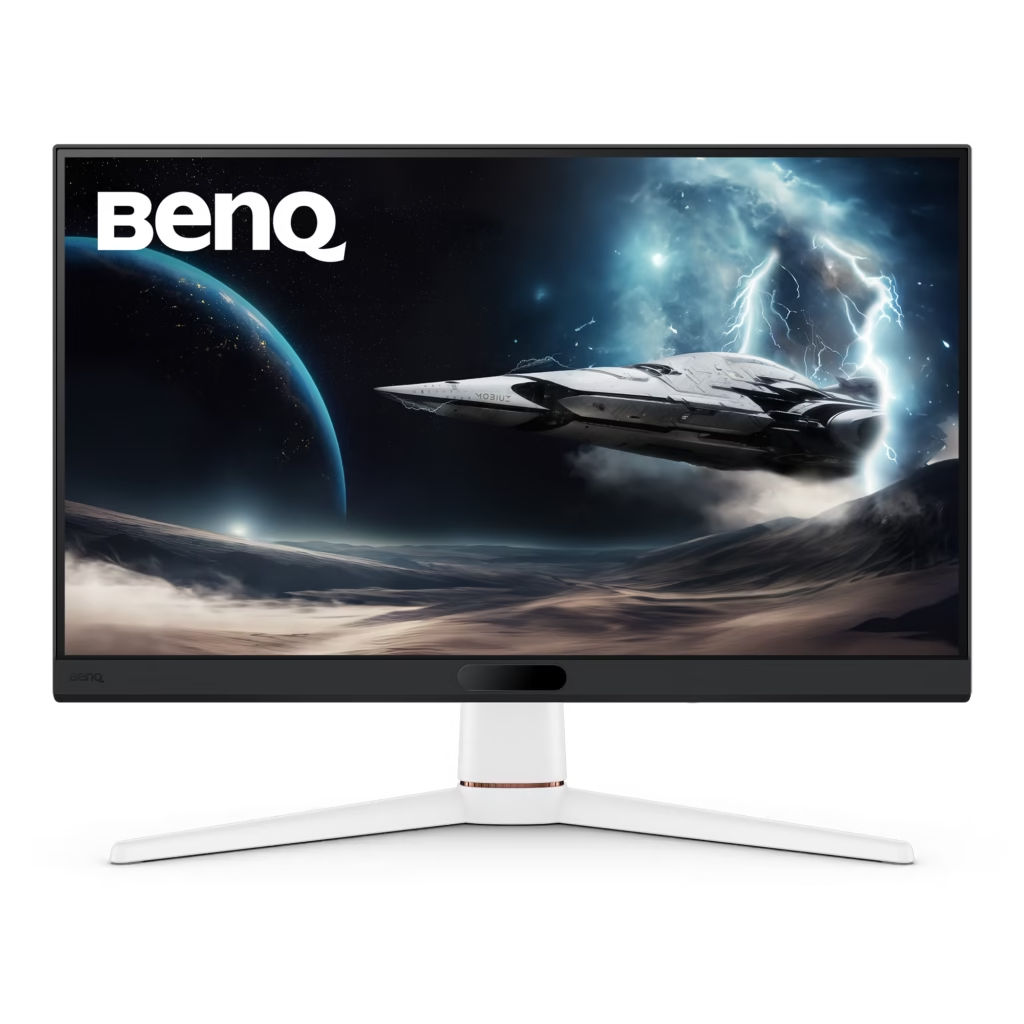
BenQ MOBIUZ EX251
Check Latest Price on Amazon (Today’s Deal)
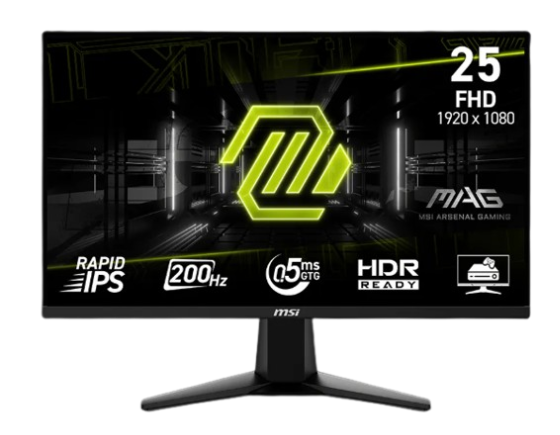
MSI MAG 255F E20 25″ Gaming Monitor
Check Latest Price on Amazon (Today’s Deal)
(Monitors significantly enhance your gameplay experience and are the best upgrade within this budget.)
And if you just want ready-made budget recommendations, check my detailed list of the Top 5 Budget Gaming Monitors in India (2026).
⌨️ Gaming Keyboard
TKL or 60% layouts free up mouse space — helpful for low sensitivity FPS players
Affordable, responsive keyboards perfect for gaming:
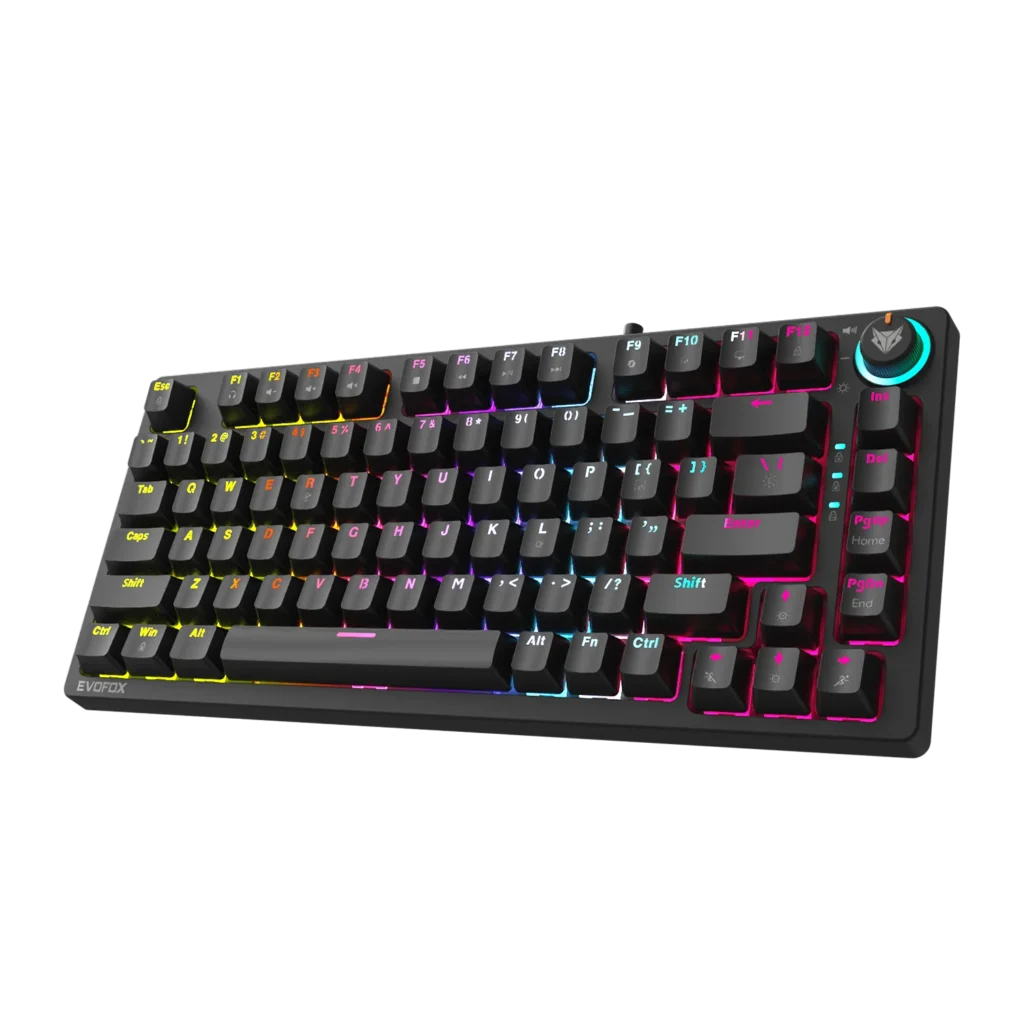
- EvoFox Katana X2 TKL Wired Mechanical Gaming Keyboard · ₹2,849 Compact mechanical feel and durable switches.
- HP GK400Y Mechanical Gaming Keyboard · ₹1,929 Excellent budget choice with reliable performance.
- Redragon K630 Dragonborn 60% Mechanical Wireless Keyboard · ₹1,889 Wireless and compact option if you want a clean desk.
Mechanical keyboards give better precision and overall gaming comfort compared to basic membrane ones.
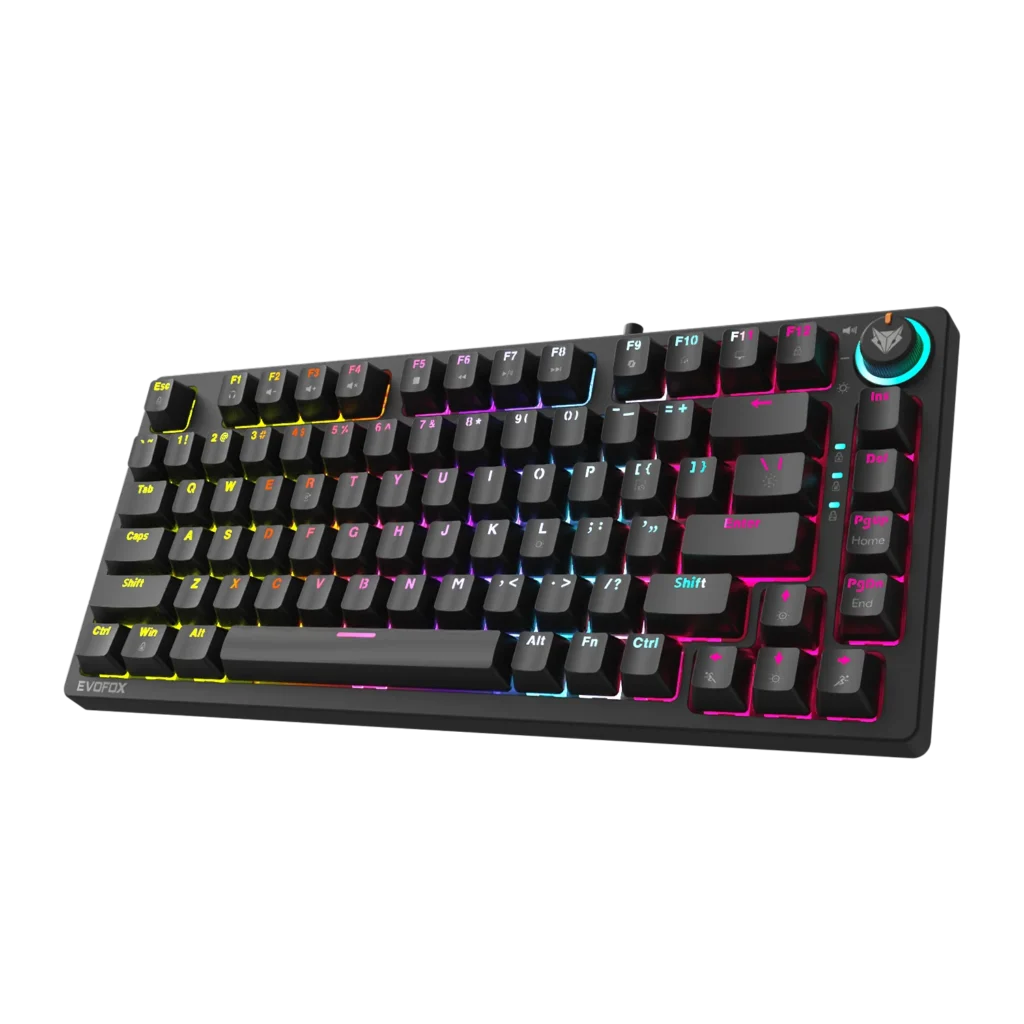
EvoFox Katana X2 TKL Wired Mechanical Gaming Keyboard
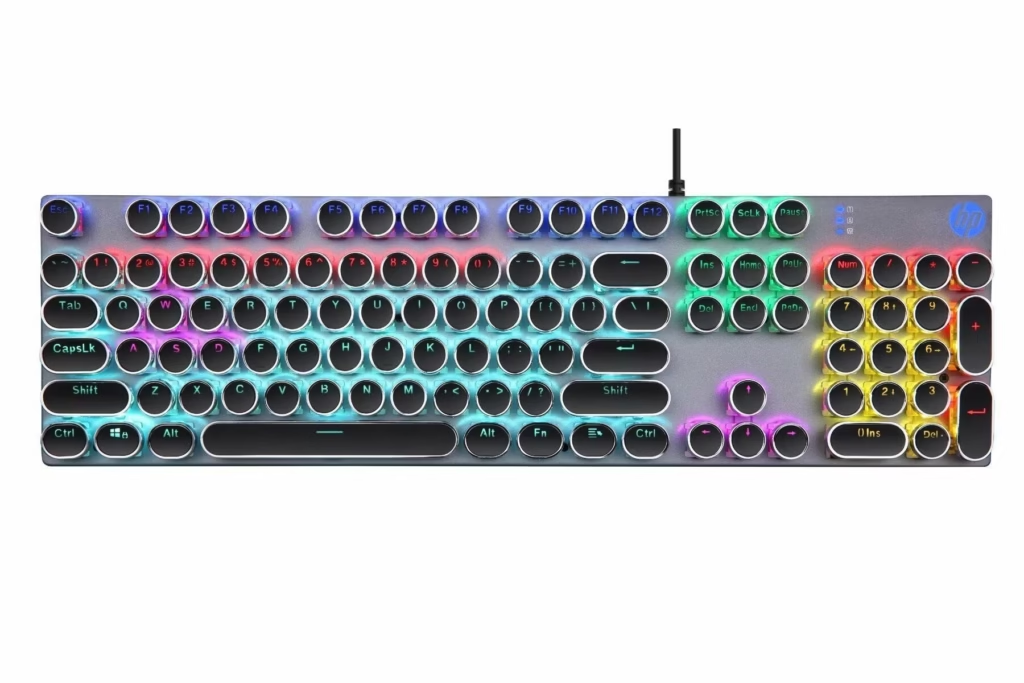
HP GK400Y Mechanical Gaming Keyboard
Redragon K630 Dragonborn 60% Mechanical Wireless Keyboard
Not sure which switch type suits you? I’ve explained Red, Blue, and Brown switches in detail in my Mechanical Keyboard Switch Types Explained guide.
🖱 Gaming Mouse
Don’t chase extreme DPI numbers. Most competitive players use 800–1600 DPI for better control. Good balance of precision and comfort without breaking the bank:
- Ant Esports GM700 Gaming Mouse · ₹1,498 Solid wired gaming mouse with good DPI range.
- Razer DeathAdder Essential Wired Gaming Mouse · ₹1,400 Trusted brand with great sensor performance (slightly pricier).
- Kreo Hawk Wired Gaming Mouse · ₹1,149 A mini budget pick that still gets the job done.
A responsive mouse improves accuracy and comfort during longer sessions.
A good gaming mouse makes a bigger difference than most beginners realize. I’ve shortlisted the best options in my 5 Best Gaming Mice Under ₹1000 in India guide.
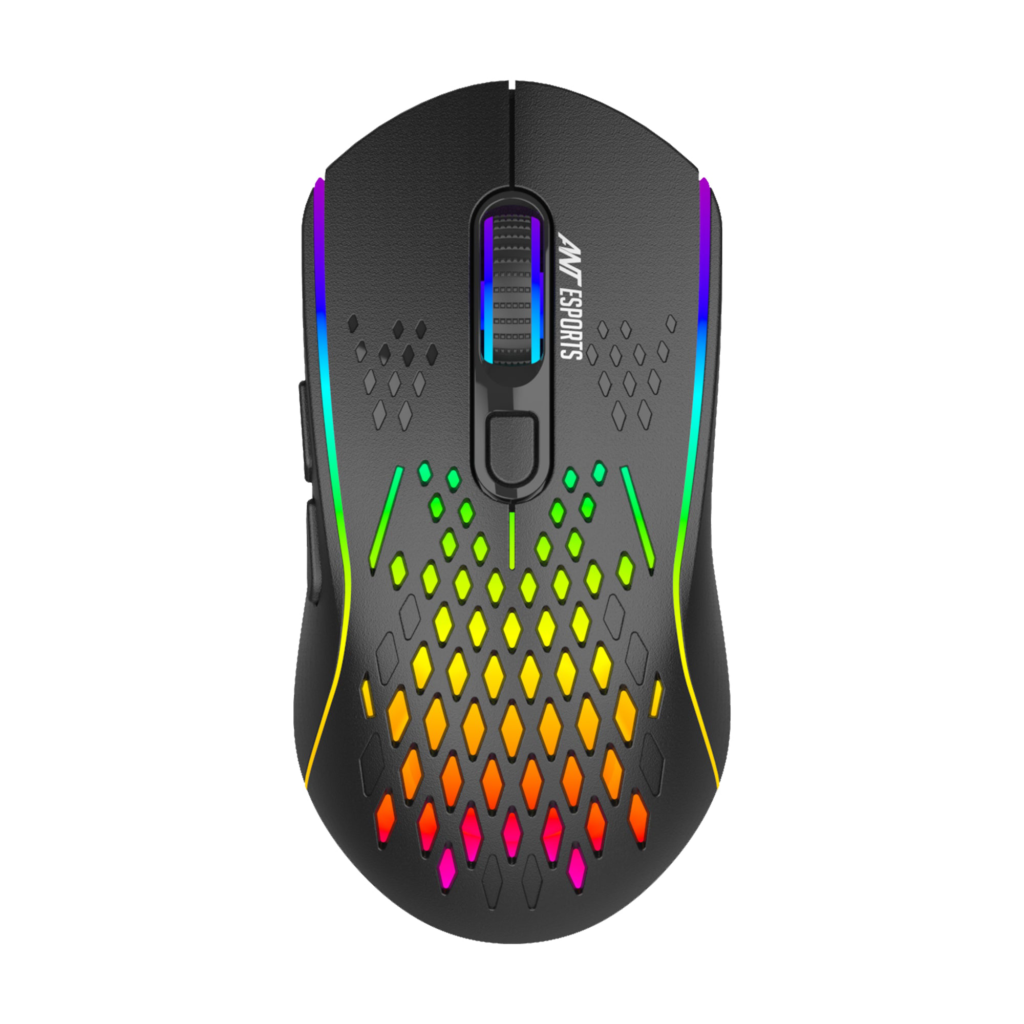
Ant Esports GM700 Gaming Mouse
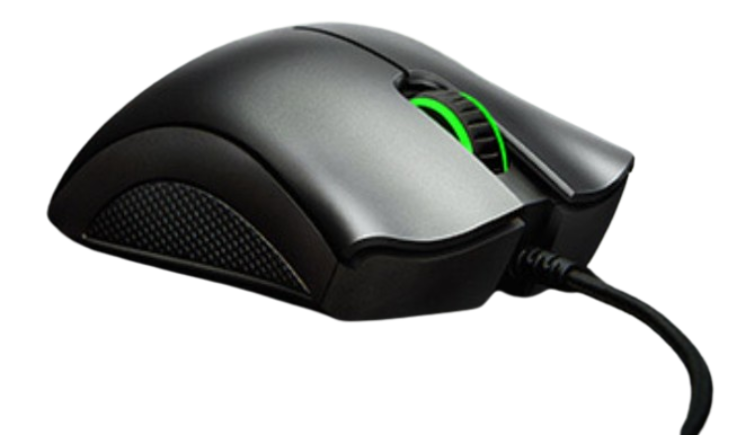
Razer DeathAdder Essential Wired Gaming Mouse
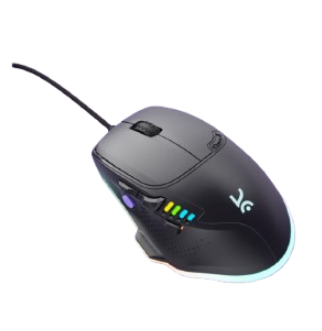
Kreo Hawk Wired Gaming Mouse
🎧 Audio (Headset)
For FPS games, clarity of footsteps matters more than heavy bass.
- Cosmic Byte GS430 Gaming Headset · ₹1,199 Great balance of sound quality and price.
- Zebronics Havoc Gaming Over Ear Headphone · ₹1,999 Good over-ear option with rich audio.
- Cosmic Byte G2050 7.1 USB Gaming Headset · ₹1,999 USB headset with surround sound vibes.
Headsets enhance directional audio in competitive games and improve communication clarity. For aesthetic and budget-friendly to premium options, here are my 5 Aesthetic Gaming Headphones (2026) picks.
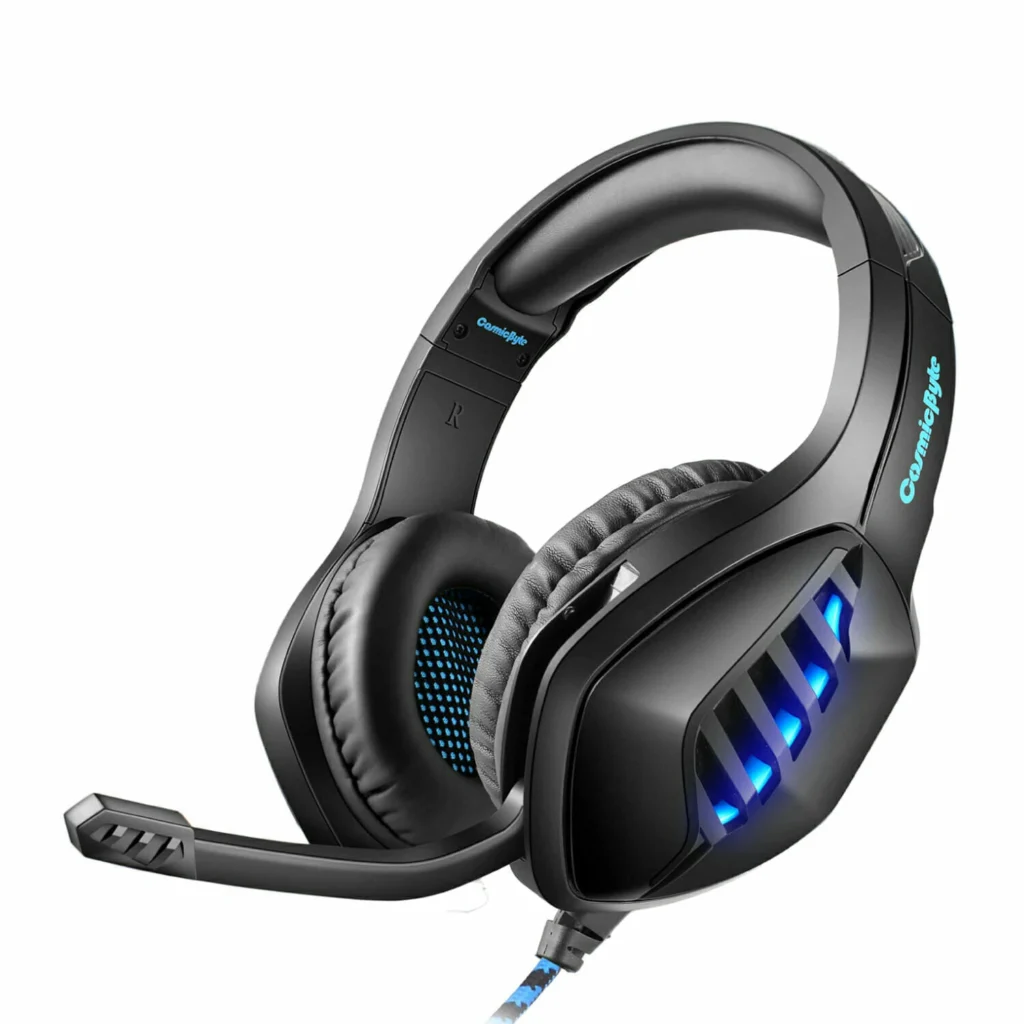
Cosmic Byte GS430 Gaming Headset
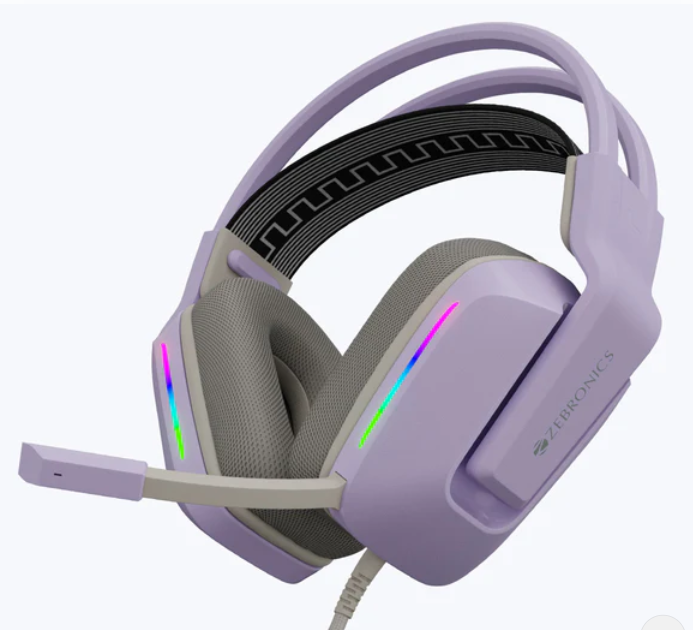
Zebronics Havoc Gaming Over Ear Headphone
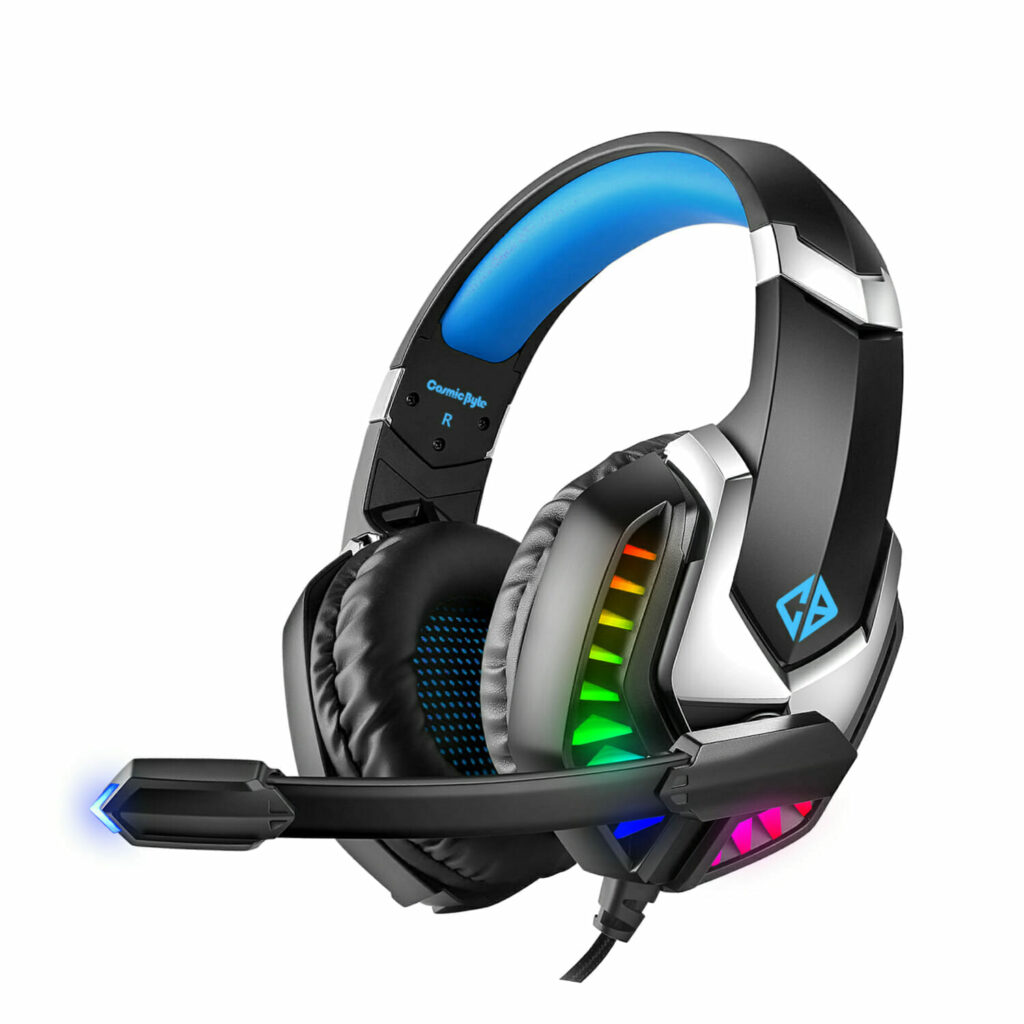
Cosmic Byte G2050 7.1 USB Gaming Headset
🖱 Accessories (Mousepad)
Extended pads visually unify your setup and instantly make budget desks look cleaner. Small but important for smooth mouse movement and desk aesthetic also, don’t ignore your surface — here’s how to choose the right gaming mousepad for control and speed.
- Storin Large Size (600mm x 300mm) Extended Mouse Pad · ₹150 Basic but effective choice
- Amazon Basics RGB Light Gaming Mouse Pad Desk · ₹850 Large surface for both keyboard and mouse and RGB.
- TXXL White Topographical Extended Mousepad· ₹999 Stylish and durable surface.

Storin Large Size (600mm x 300mm) Extended Mouse Pad
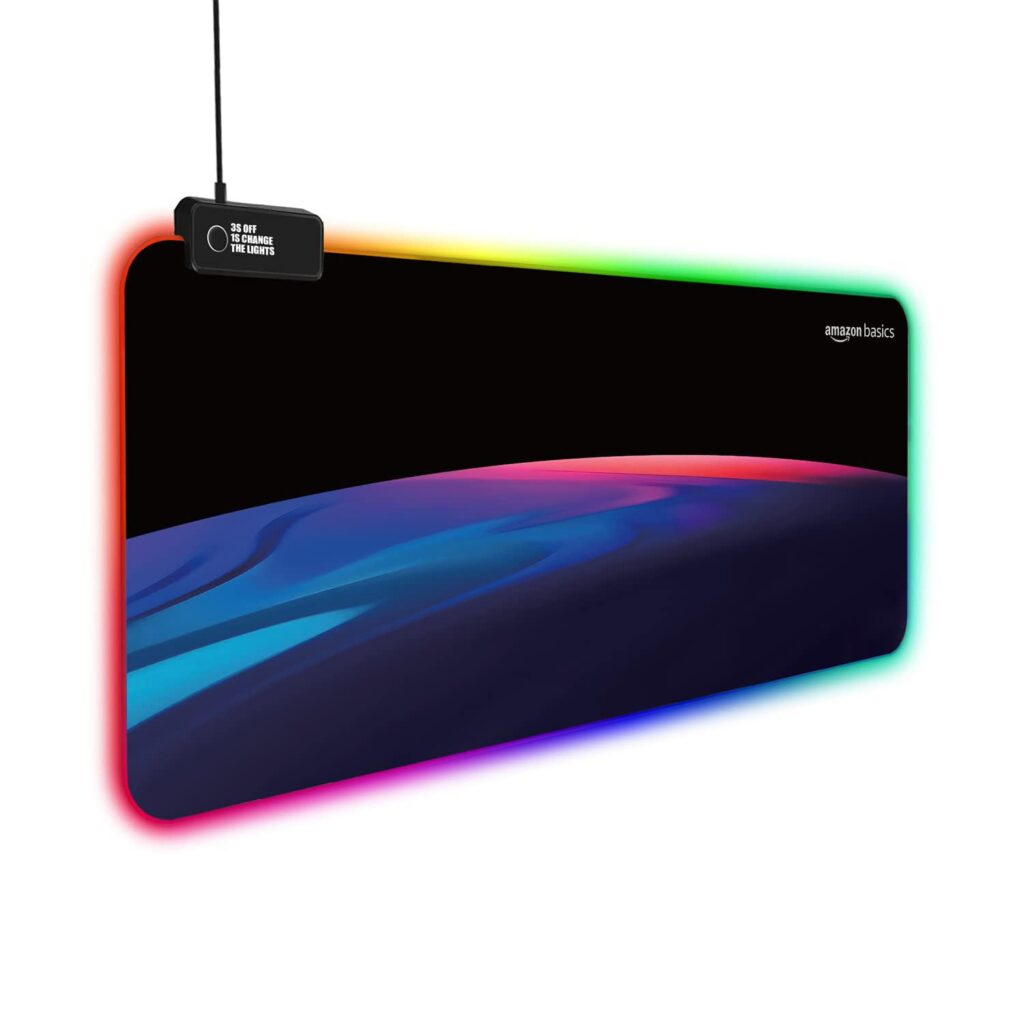
Amazon Basics RGB Light Gaming Mouse Pad Desk
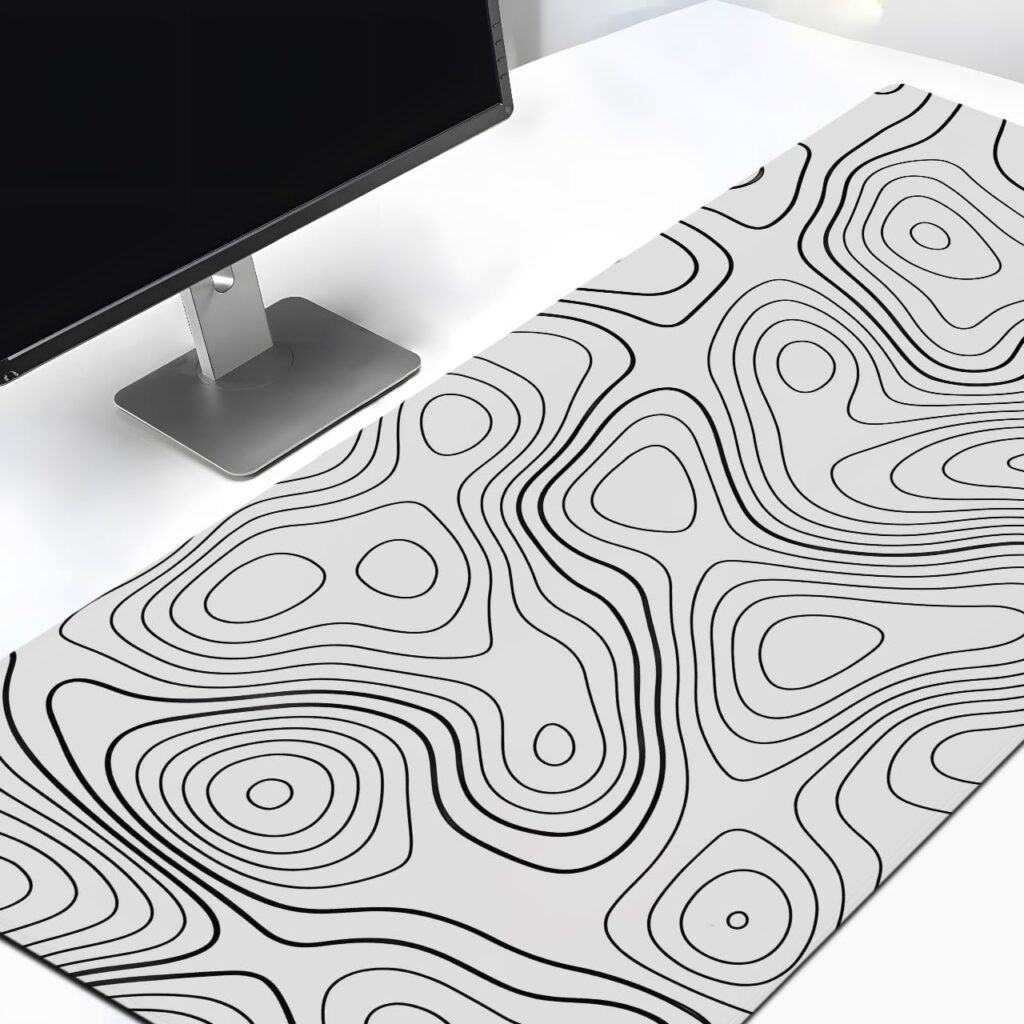
TXXL White Topographical Extended Mousepad
Large mousepads make gaming smoother and protect your desk.
📌 Example Layout with Estimated Prices (Approx)
| Item | Approx. Price |
|---|---|
| Monitor | ₹9,500–₹13,000 |
| Keyboard | ₹1,900–₹3,000 |
| Mouse | ₹1,400–₹2,500 |
| Headset | ₹1,200–₹2,000 |
| Mousepad | ₹150–₹400 |
| TOTAL | ~₹16,550–₹19,000 |
This leaves room for RGB strips, cable management, or small desk accessories while keeping the total under ₹20,000.
🎨 Ambient & Desk RGB Lighting
- XERGY 270° RGBIC Ambient Table Lamp · ₹799 Adjustable RGB table lamp with music-sync-style dynamic lighting; great as a desk accent light.
- XERGY USB 5V RGB LED Flexible Strip Light · ₹299 Easy USB-powered RGB LED strip to place behind your monitor or along shelves.
- One94Store RGB LED Strip Light USB Powered · ₹298 Another affordable strip light option that’s flexible and bright.
- Gift Me Bazar RGB Desk Table Lamp · ₹399 Small RGB desk lamp that adds subtle color and mood lighting.
Put strip lights around the back of your desk or monitor to create ambient lighting behind your main screen — this fills the space without glare.
The ambient table lamp goes on a corner to add dynamic color and depth.
Choose one extended RGB mouse pad to light up your desk surface while helping with mouse accuracy and comfort.
You still have room for:
- Cable management box
- Desk stand
- Small decor
🎯 Final Verdict – Is ₹20,000 Enough?
Absolutely — if you spend it wisely.
A ₹20,000 gaming setup won’t give you ultra-high-end specs, but it can deliver something far more important: a clean, responsive, and immersive gaming experience. By prioritizing your monitor first, choosing a reliable mechanical keyboard and accurate mouse, and adding practical RGB lighting for aesthetics, you create a setup that feels premium without draining your wallet.
The key isn’t buying the most expensive gear — it’s balancing performance and comfort. Focus on refresh rate over flashy design, sensor quality over extra buttons, and desk organization over too much RGB.
Pingback: Mechanical Keyboard Switch Types Explained (Red, Blue, Brown & More) - Cozy Corner
Pingback: 5 Aesthetic Gaming Headphones in 2026 (RGB, Budget & Premium Picks) - Cozy Corner
Pingback: Top picks for Budget Mechanical Keyboards under 3000! - Cozy Corner
Pingback: 5 Best Gaming Mice Under ₹1000 in India (Available on Amazon) - Cozy Corner
Pingback: Cosmic Byte CB-GK-20 Styx TKL Membrane Gaming Keyboard – 1 Year Long-Term Review - Cozy Corner
Pingback: Top 5 Budget Gaming Monitors in India 2026 - Cozy Corner
Pingback: How to Improve Aim in Valorant: Beginner’s Guide (Early Stage Focus) - Cozy Corner